Social media scheduler SaaS · Next.js 16

Write it once. Post it everywhere. On time.

Plan a month of posts for every brand, write them with AI, get them approved by the team and let the queue publish to nine networks. A complete SaaS with plans, Stripe billing, an admin panel and a one-command Docker install.

Next.js 16 and PostgreSQL9 social networksAI with your own keyDocker install
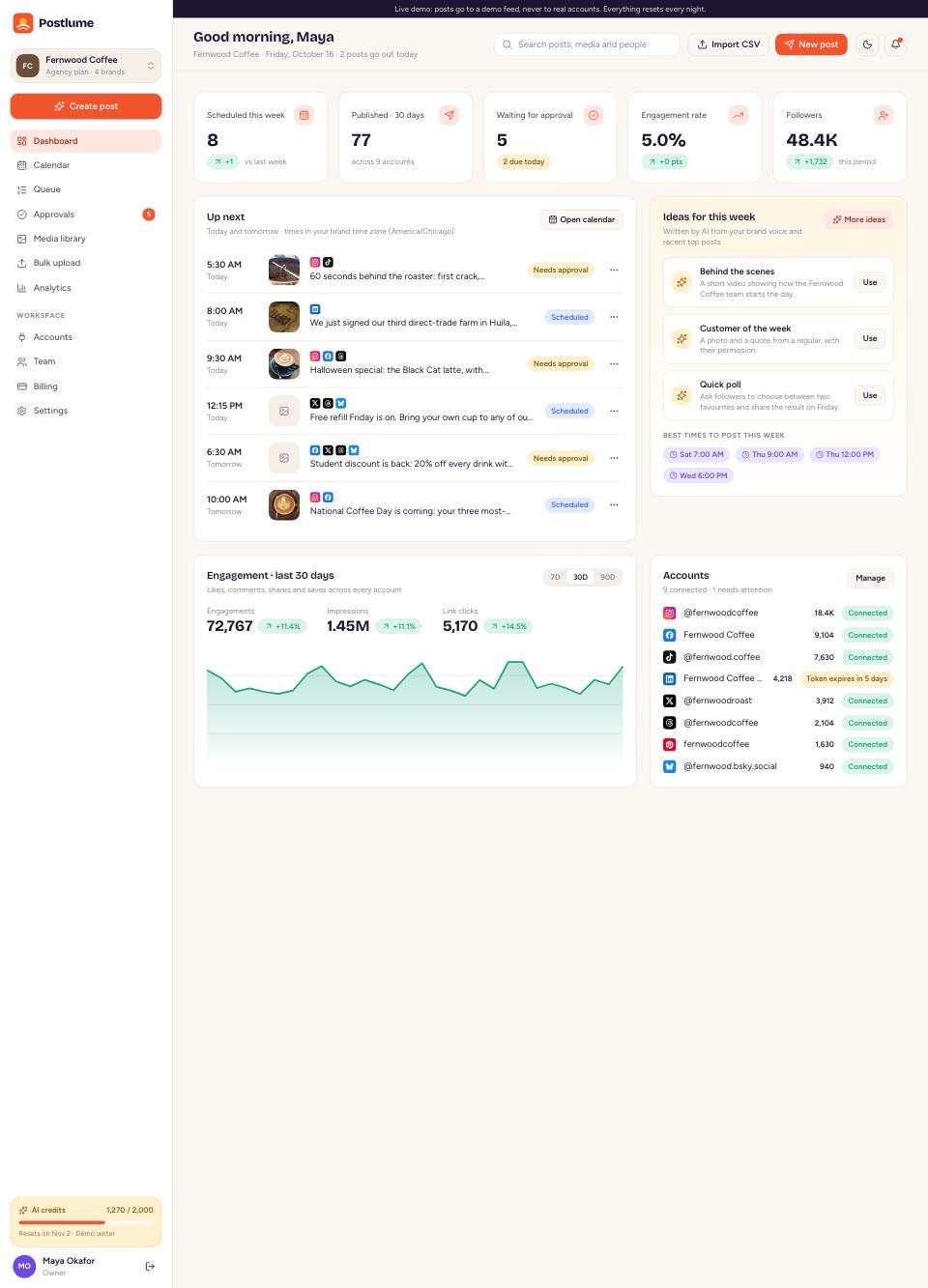
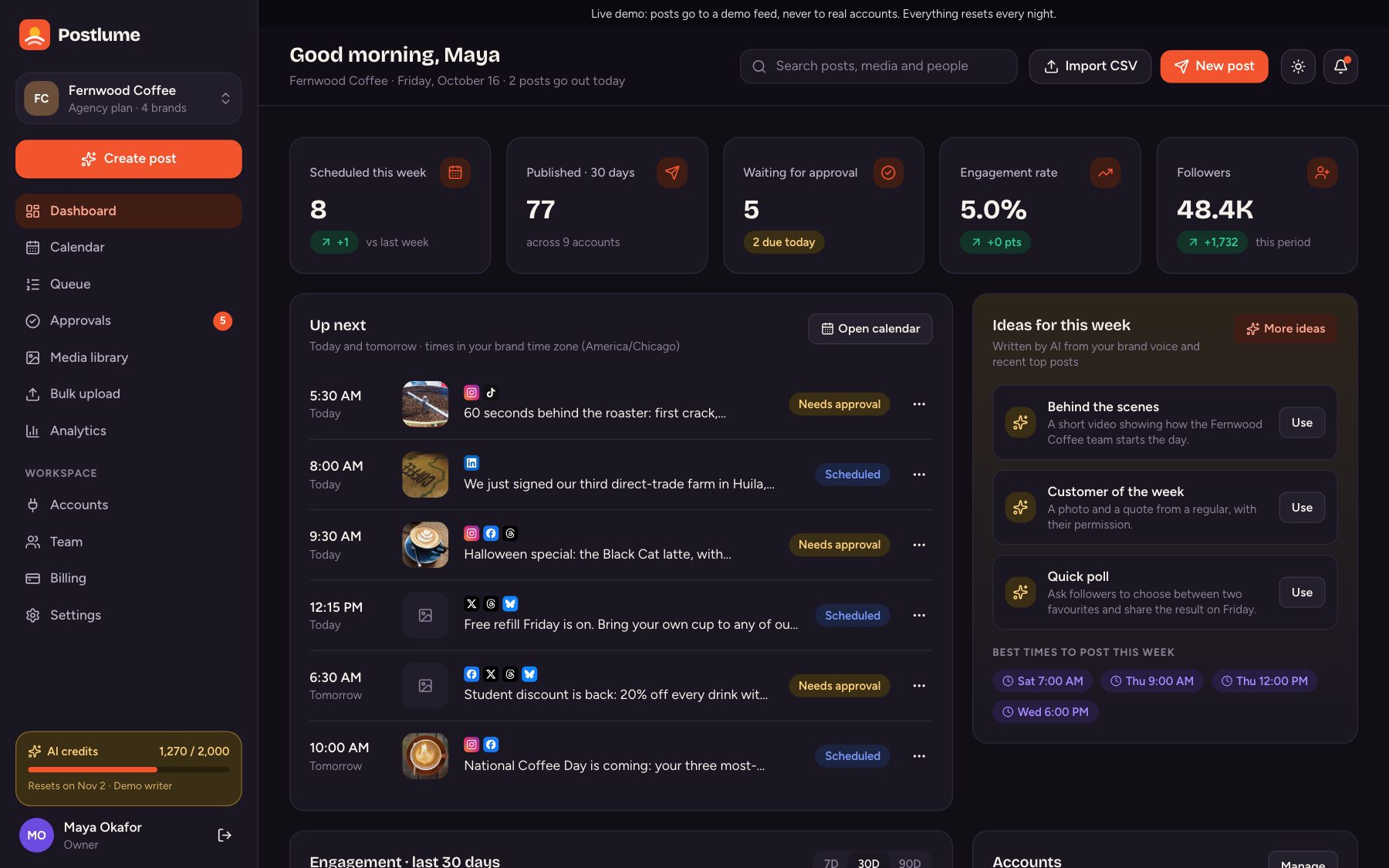
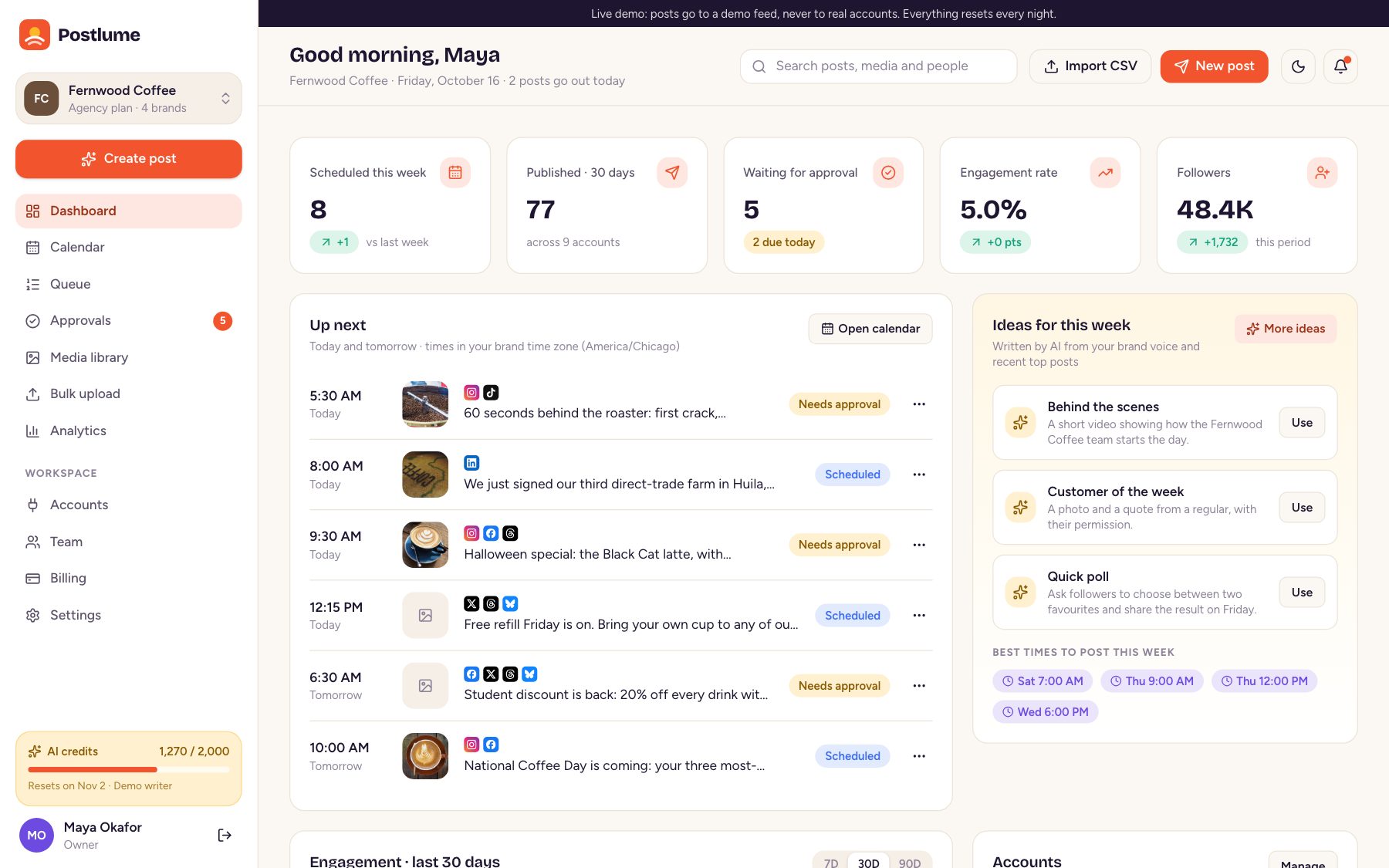
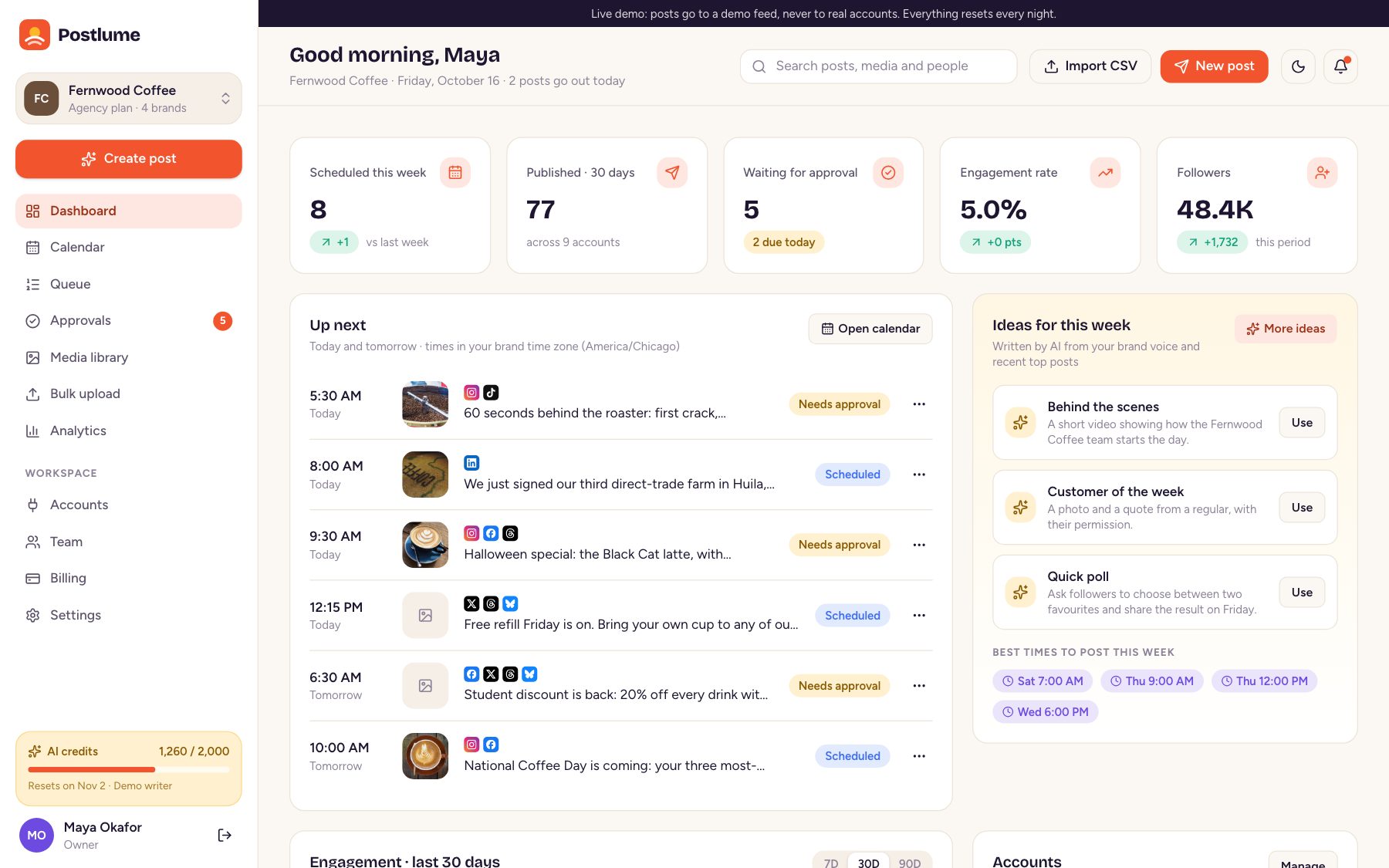
Postlume dashboard
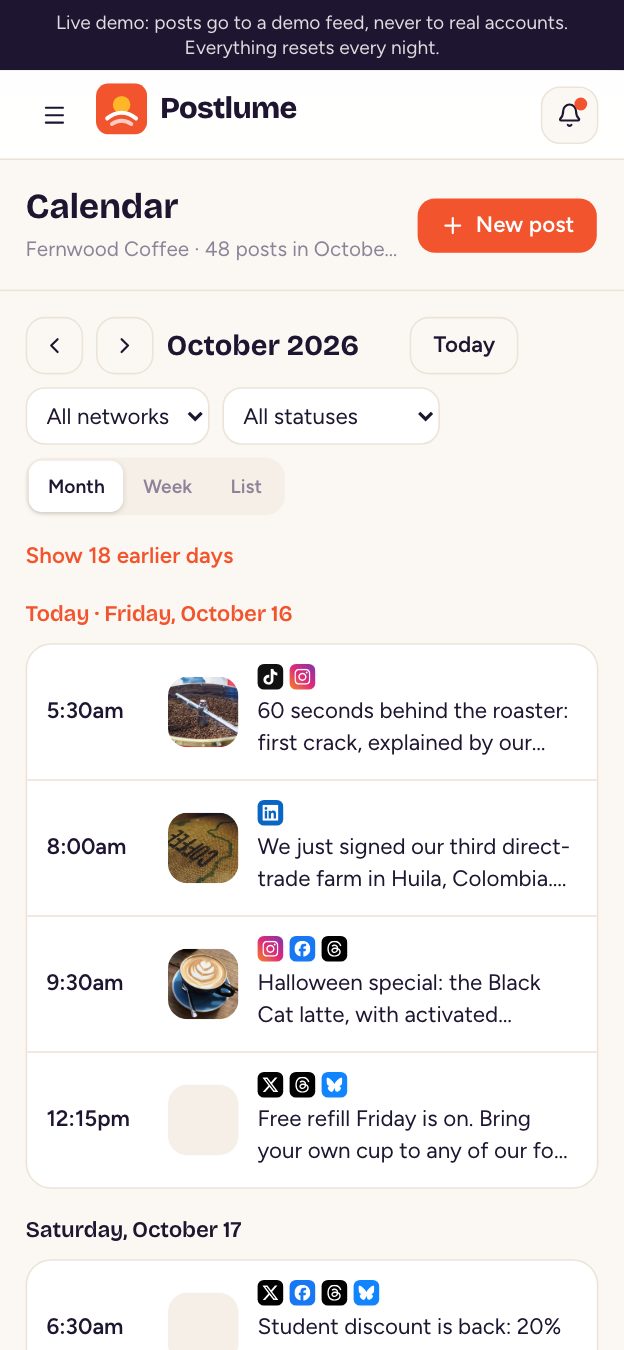
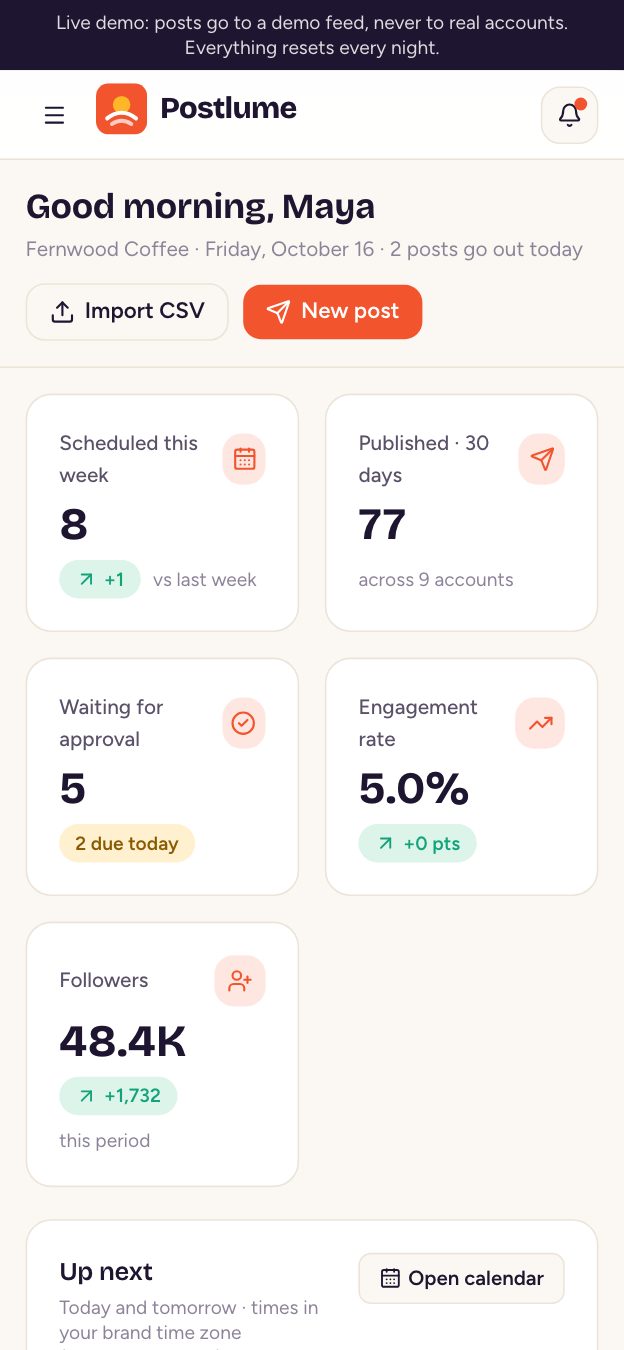
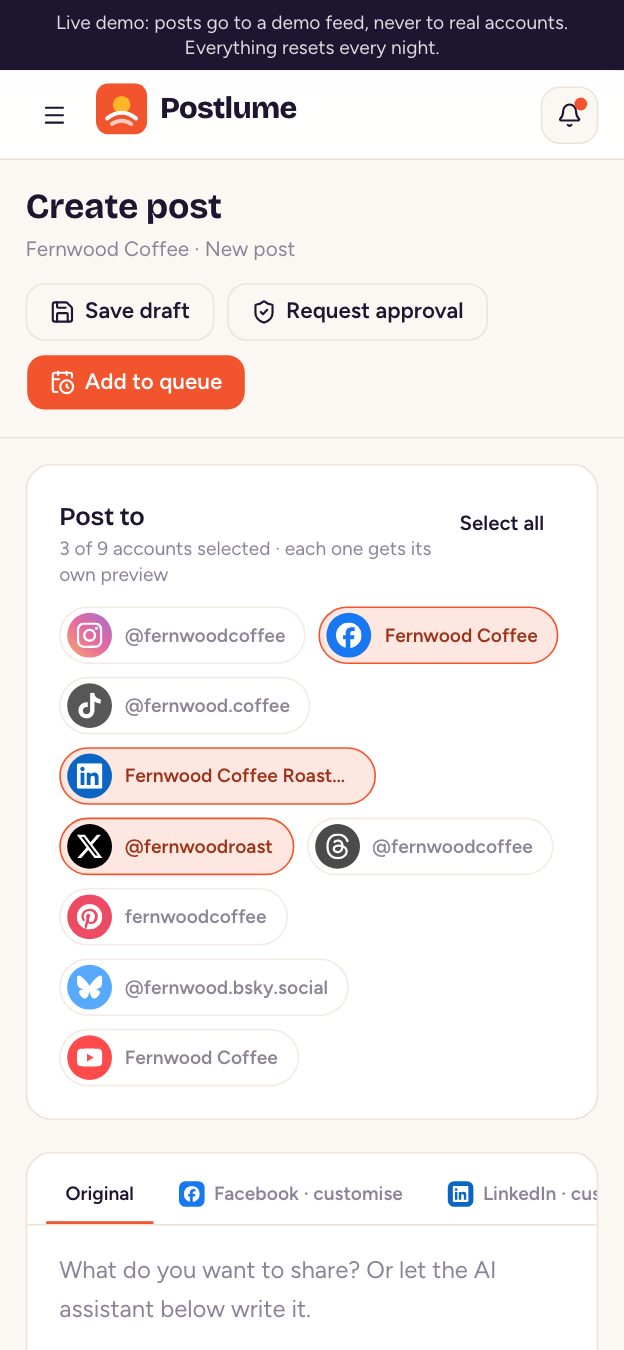
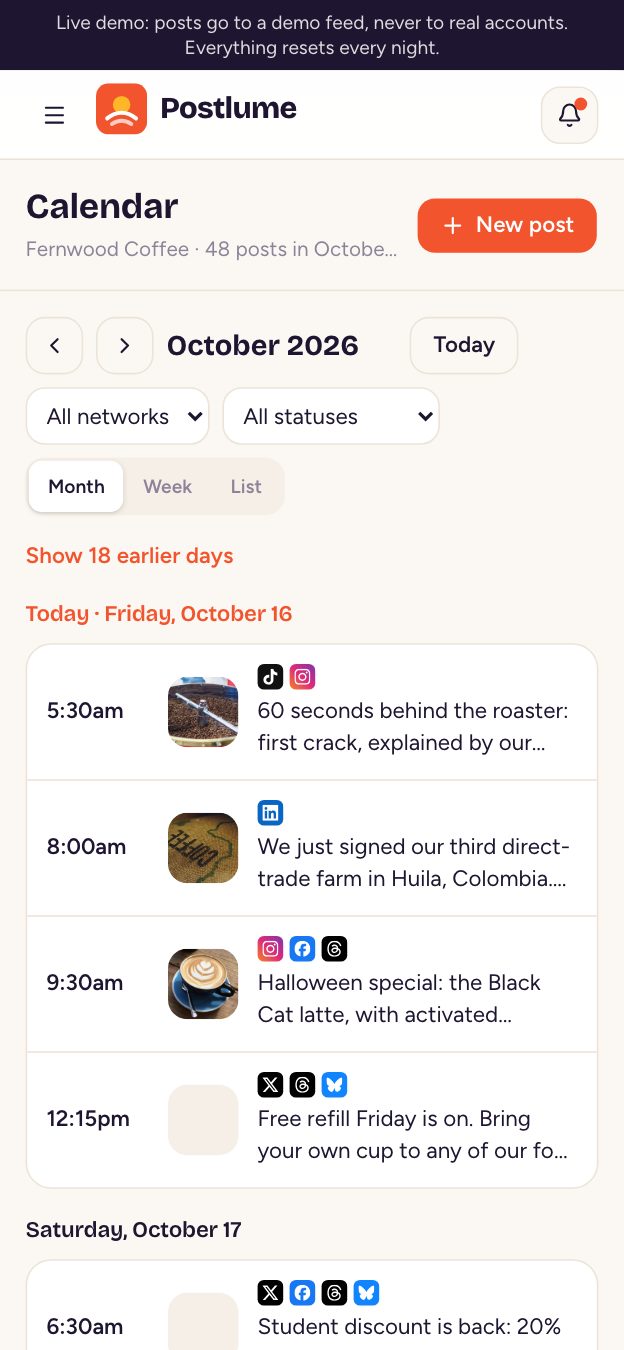
Postlume on a phone
9NetworksX, LinkedIn, Instagram and 6 more
5Team roleswith an approval flow
Features

Everything a social team needs

Not a posting widget: the whole product, from the first caption to the paid plan.

01

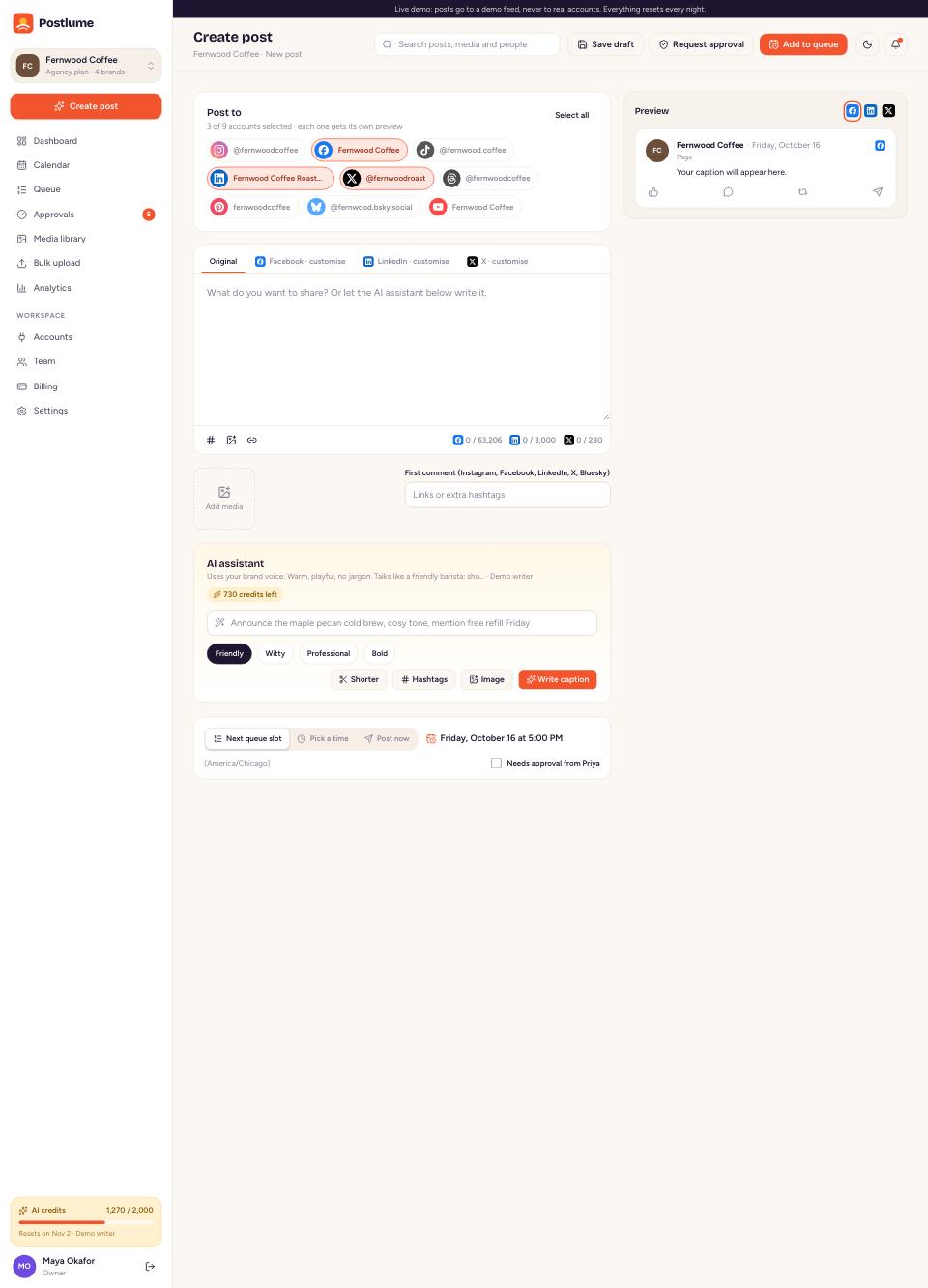
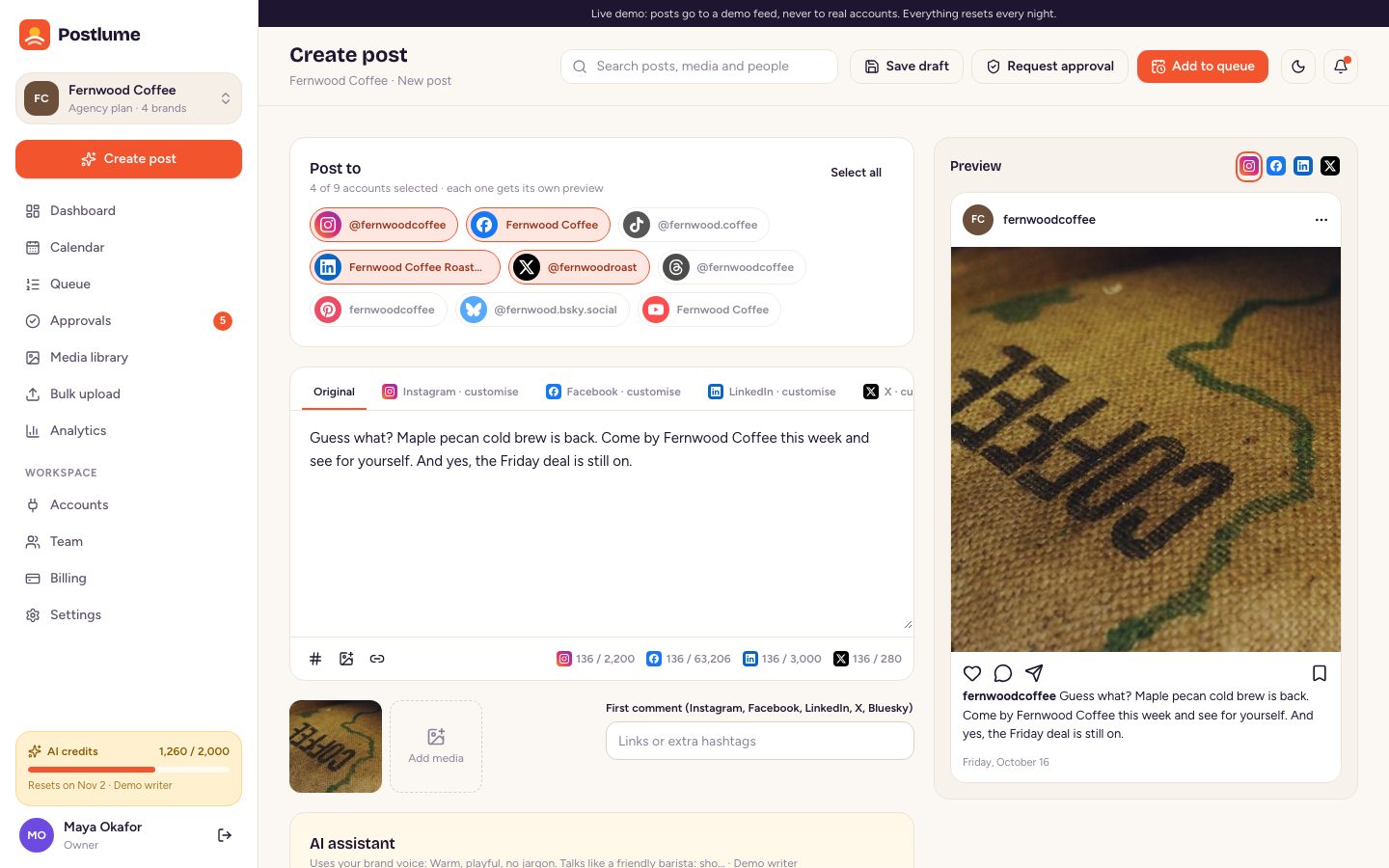
AI that writes like the brand

Captions, rewrites, hashtags, ideas and images

  • Three caption variations from a one-line brief, in the brand's voice
  • Shorter versions for X and Bluesky, hashtags and weekly post ideas
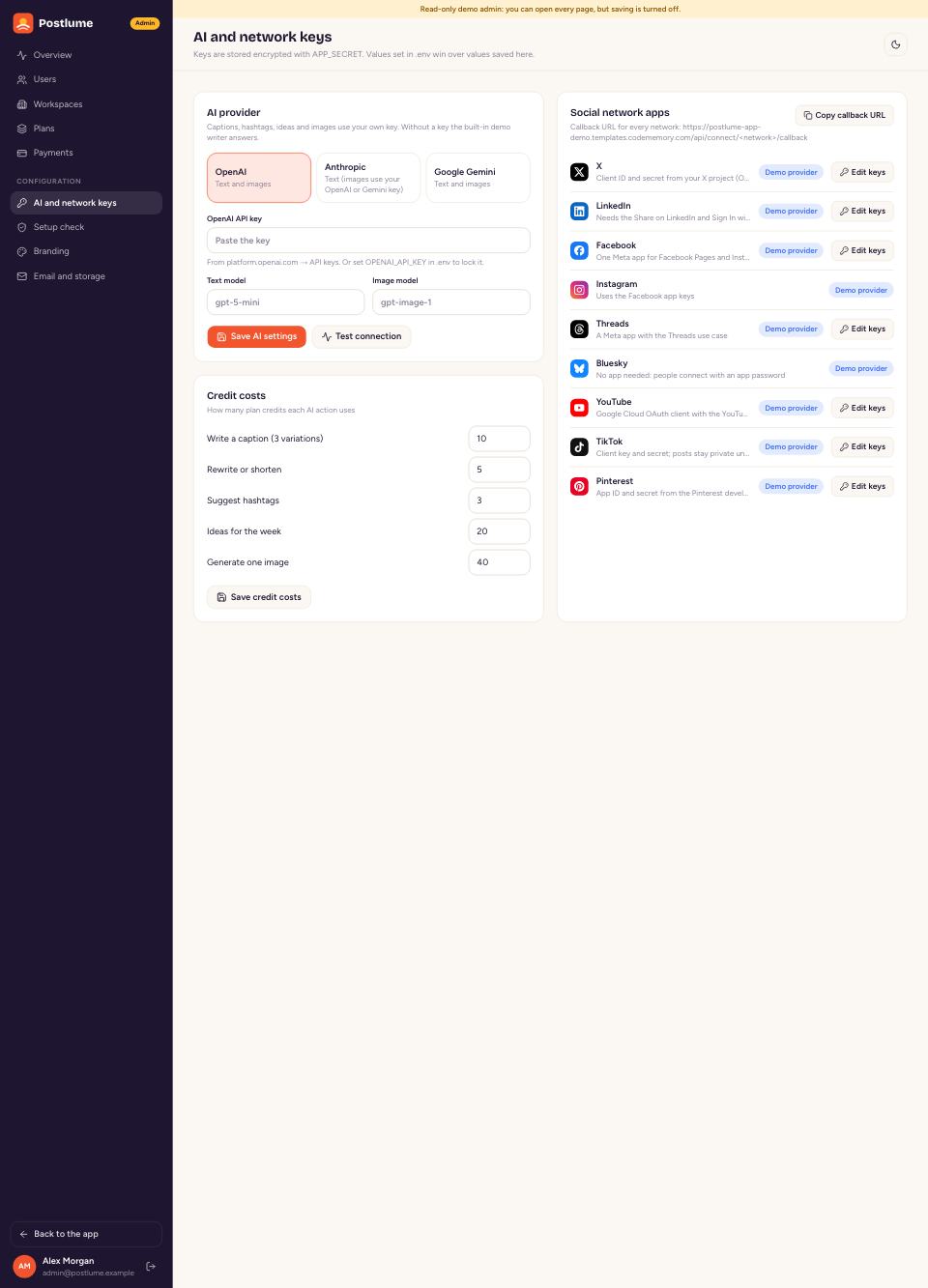
  • OpenAI, Anthropic or Gemini with your own key, metered by plan credits
Try the AI writer →
AI that writes like the brand
02

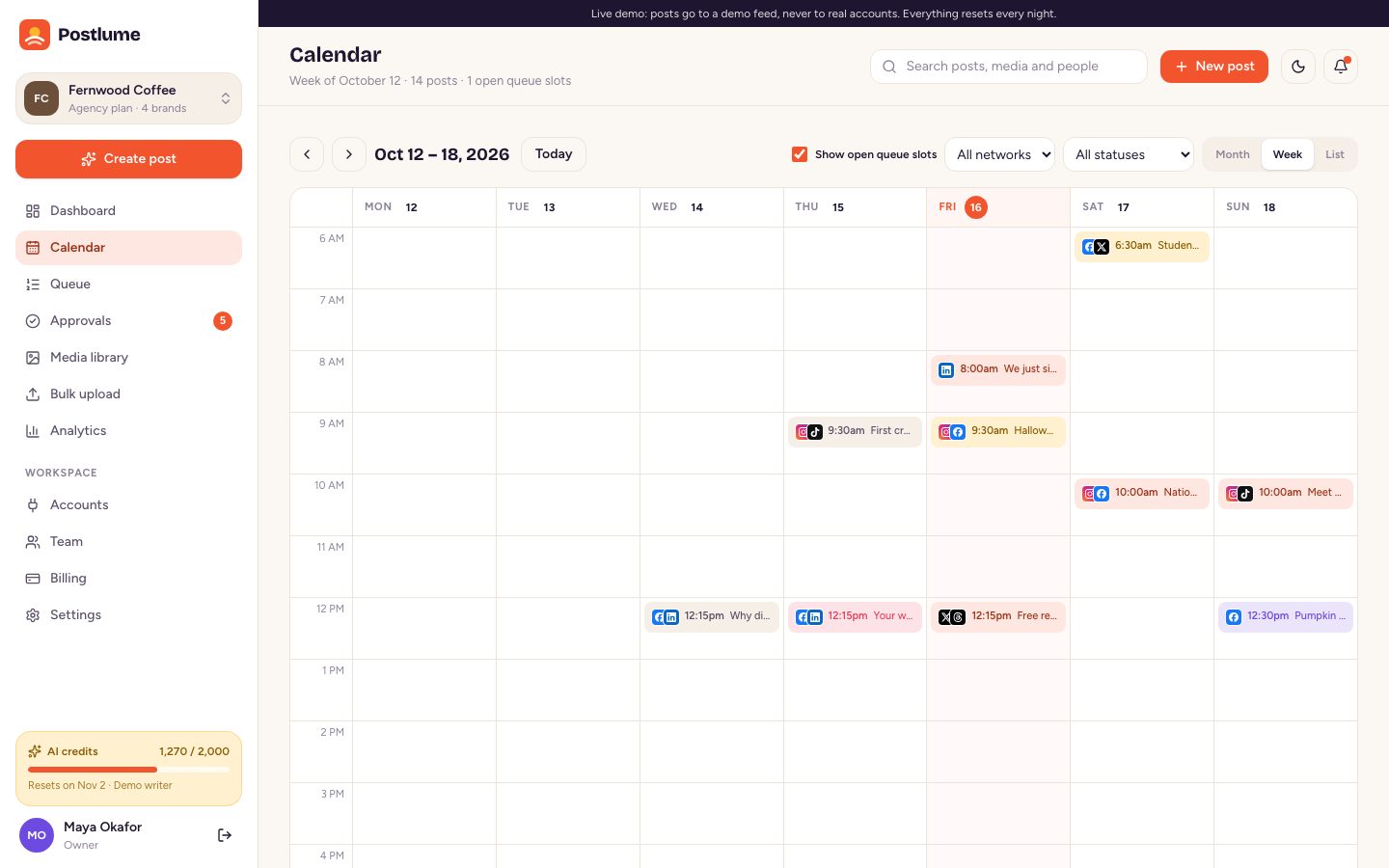
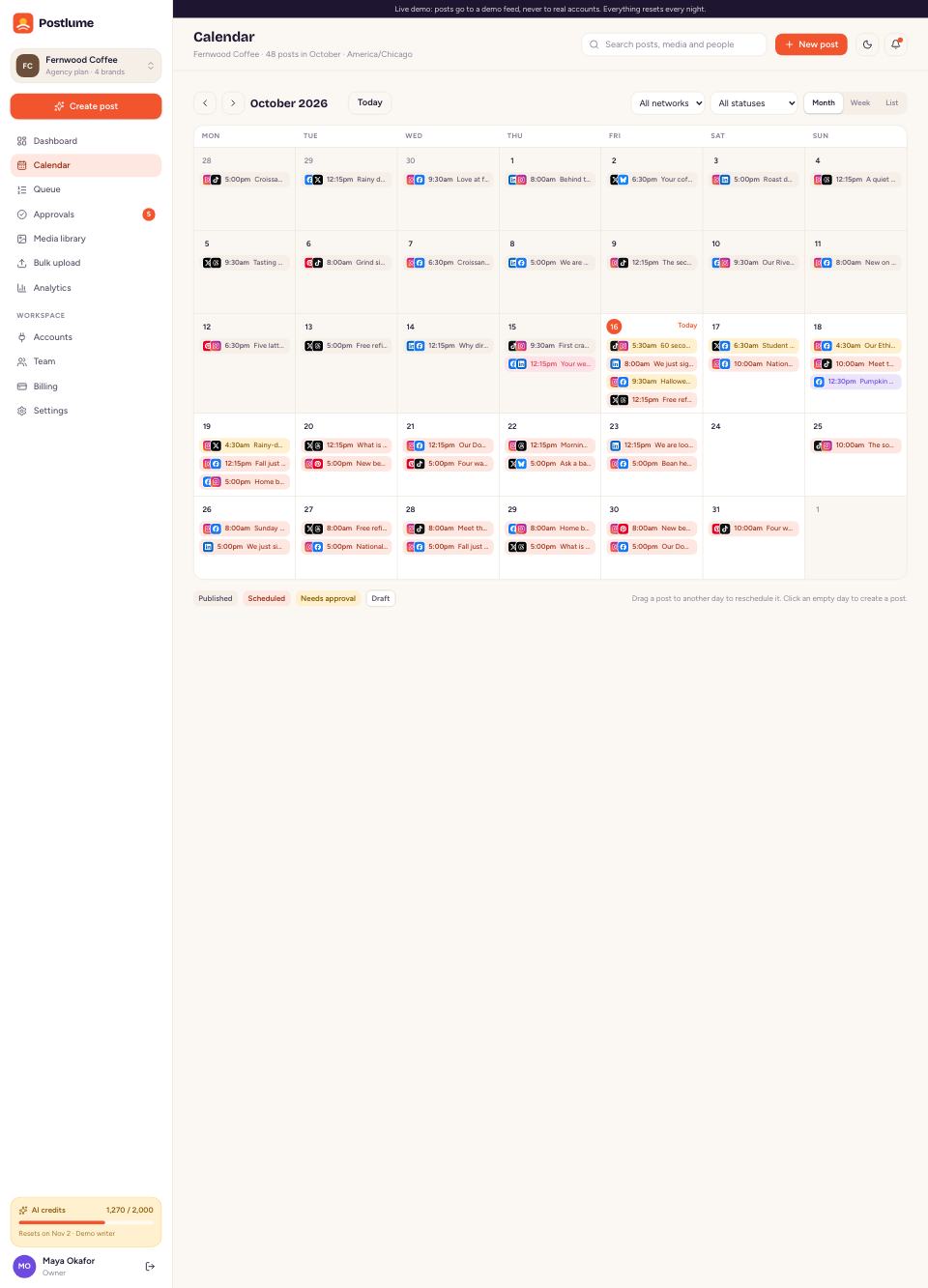
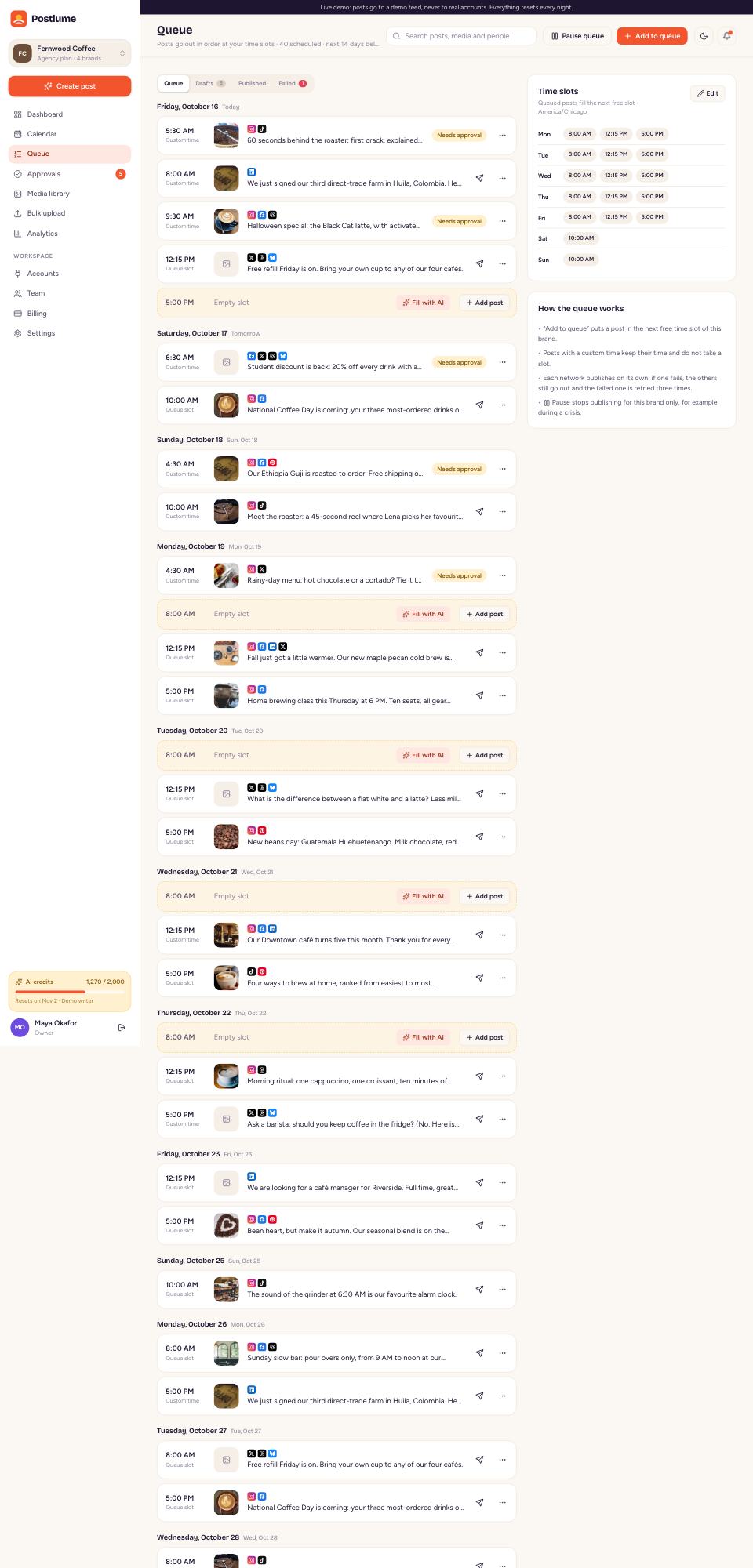
A calendar and a queue

Plan a month in an afternoon

  • Month, week and list views with drag and drop
  • Time slots per brand: Add to queue takes the next free one
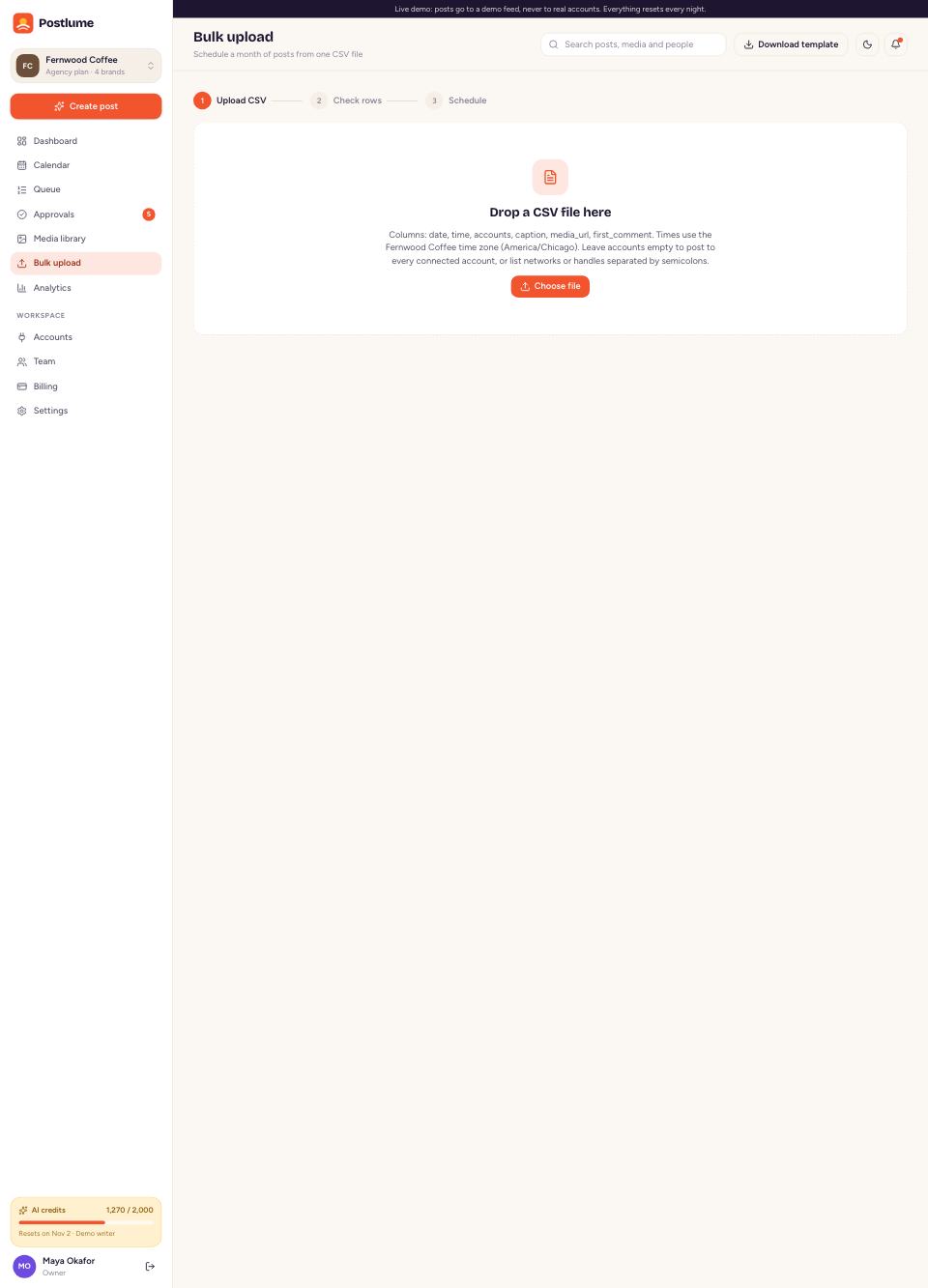
  • Bulk CSV upload with a check of every row before scheduling
Open the calendar →
A calendar and a queue
03

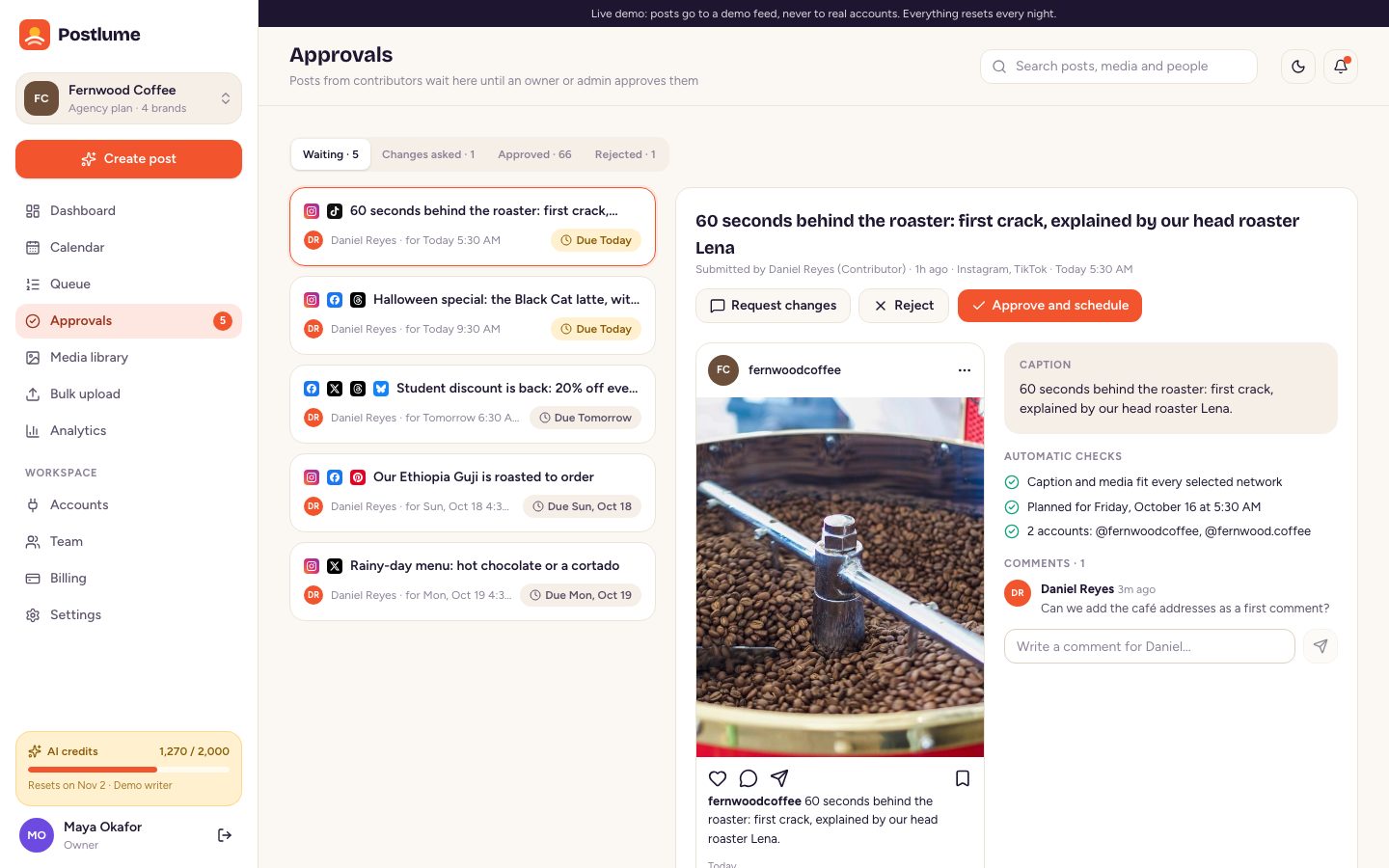
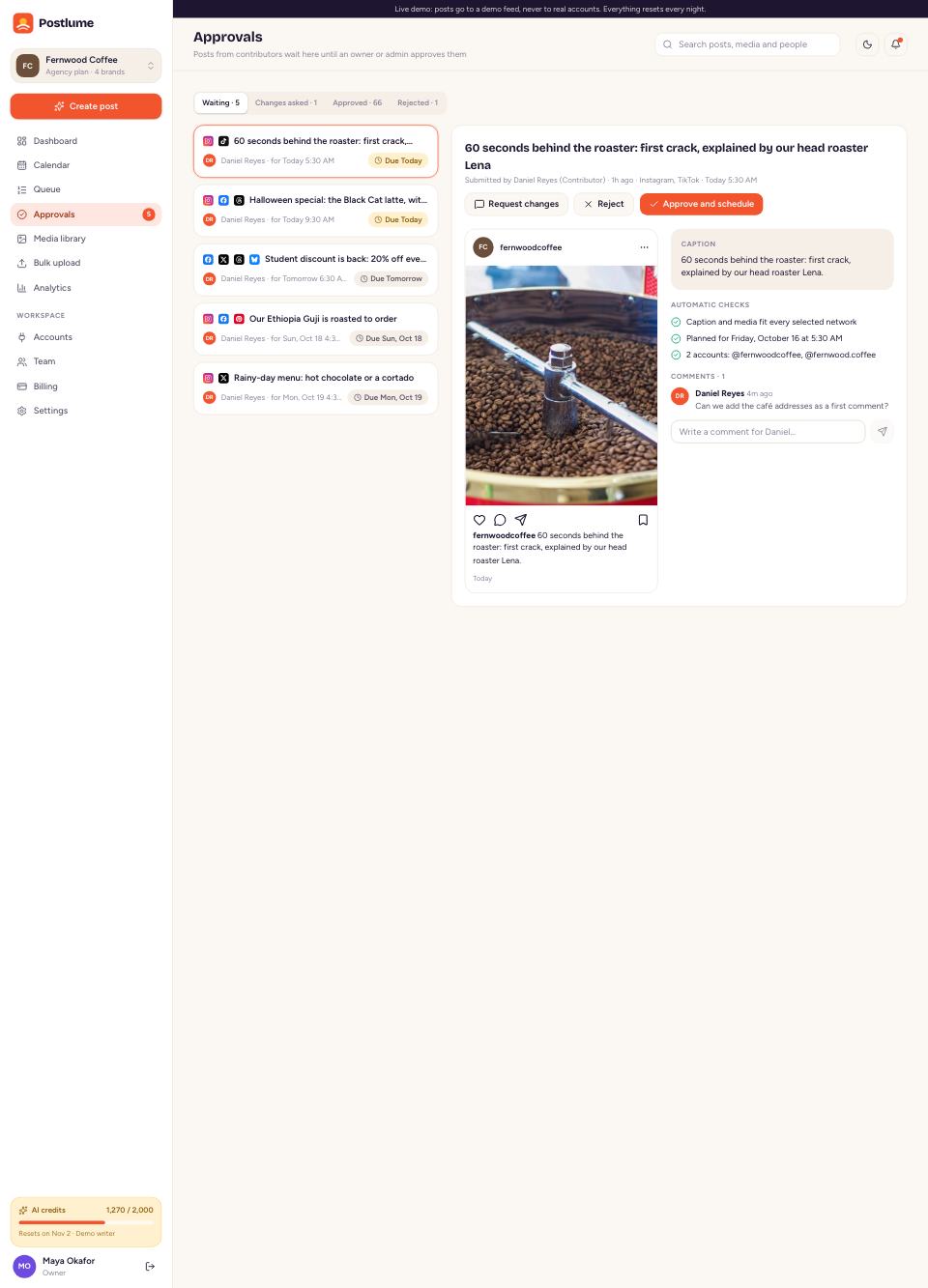
Approvals and roles

Nothing goes out until the right person says yes

  • Owner, Admin, Editor, Contributor and Viewer roles
  • Approve, ask for changes or reject, with comments on the post
  • Automatic checks for caption length, media and timing
See the approvals →
Approvals and roles
04

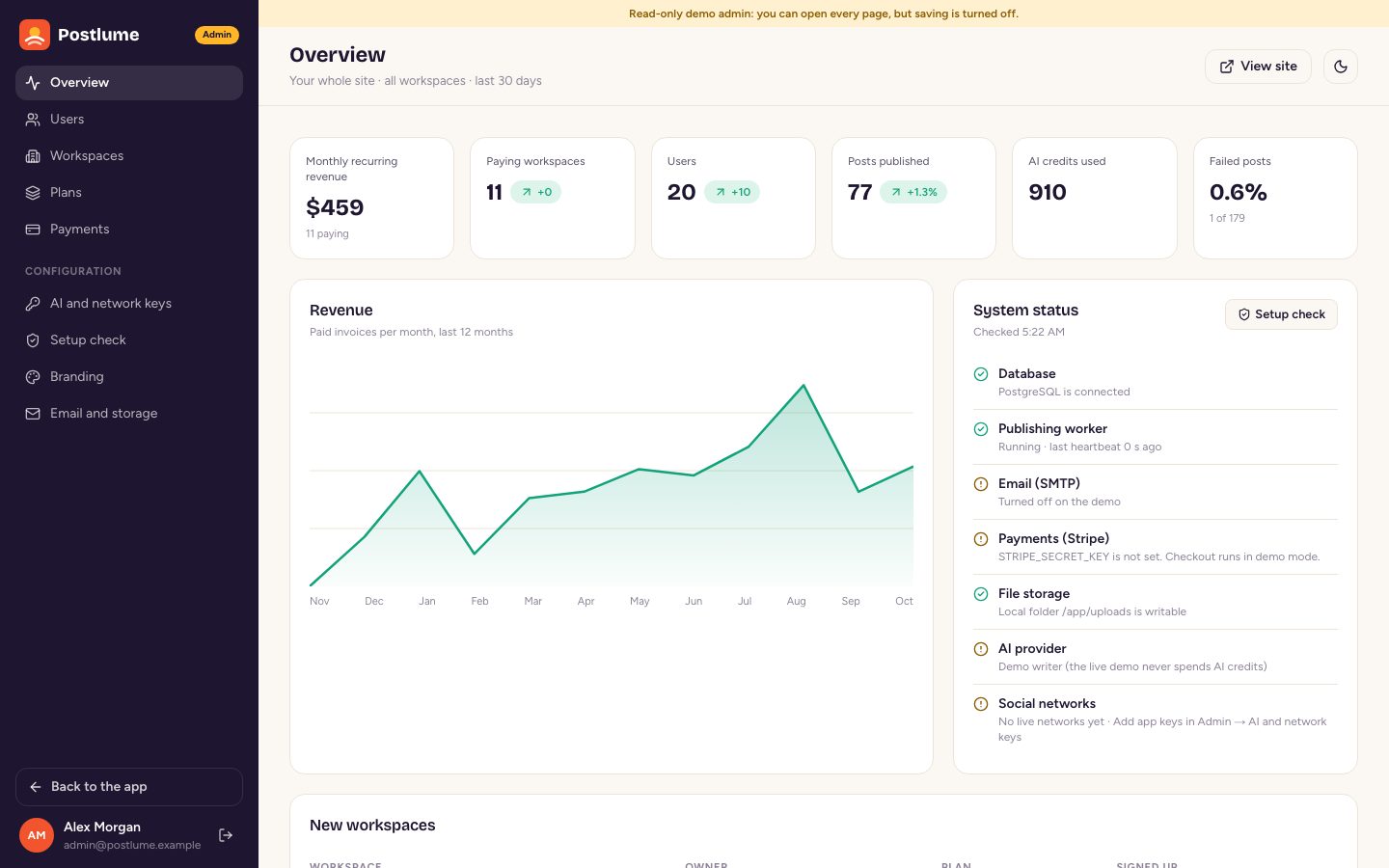
Run it as a business

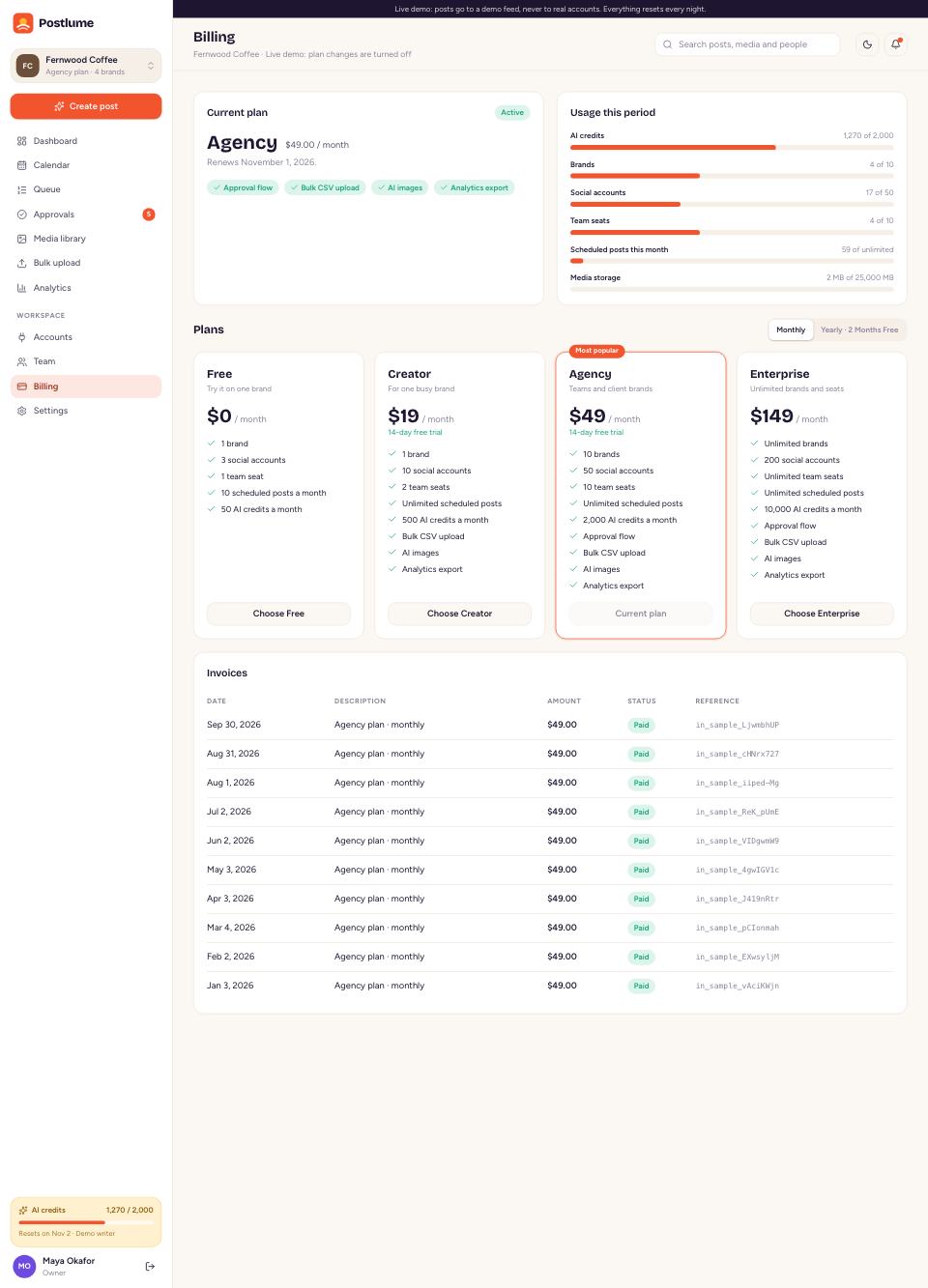
Plans, billing and an admin panel included

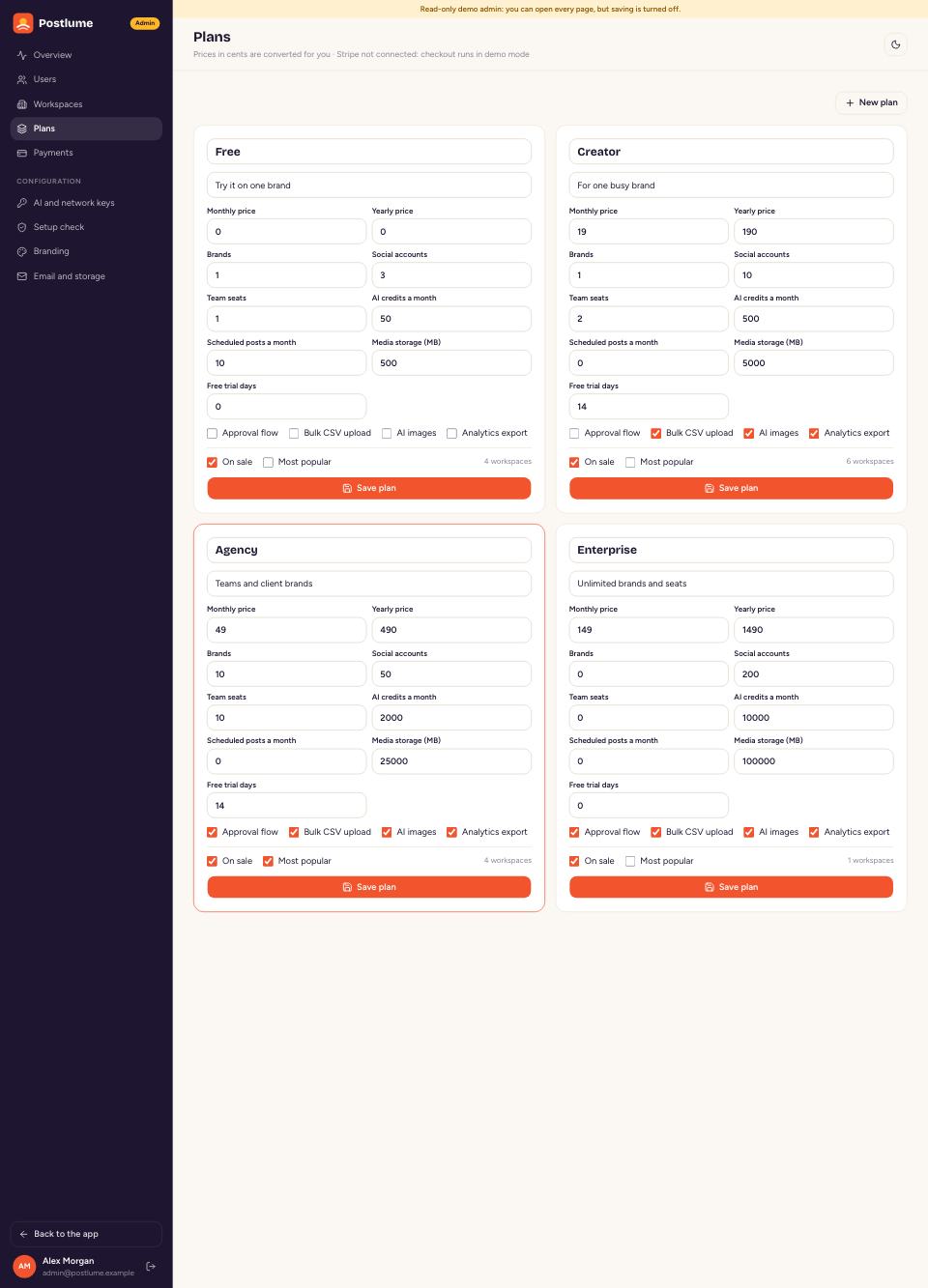
  • Plans with limits on brands, accounts, seats, posts, AI credits and storage
  • Stripe Checkout, customer portal and webhooks, or a demo checkout
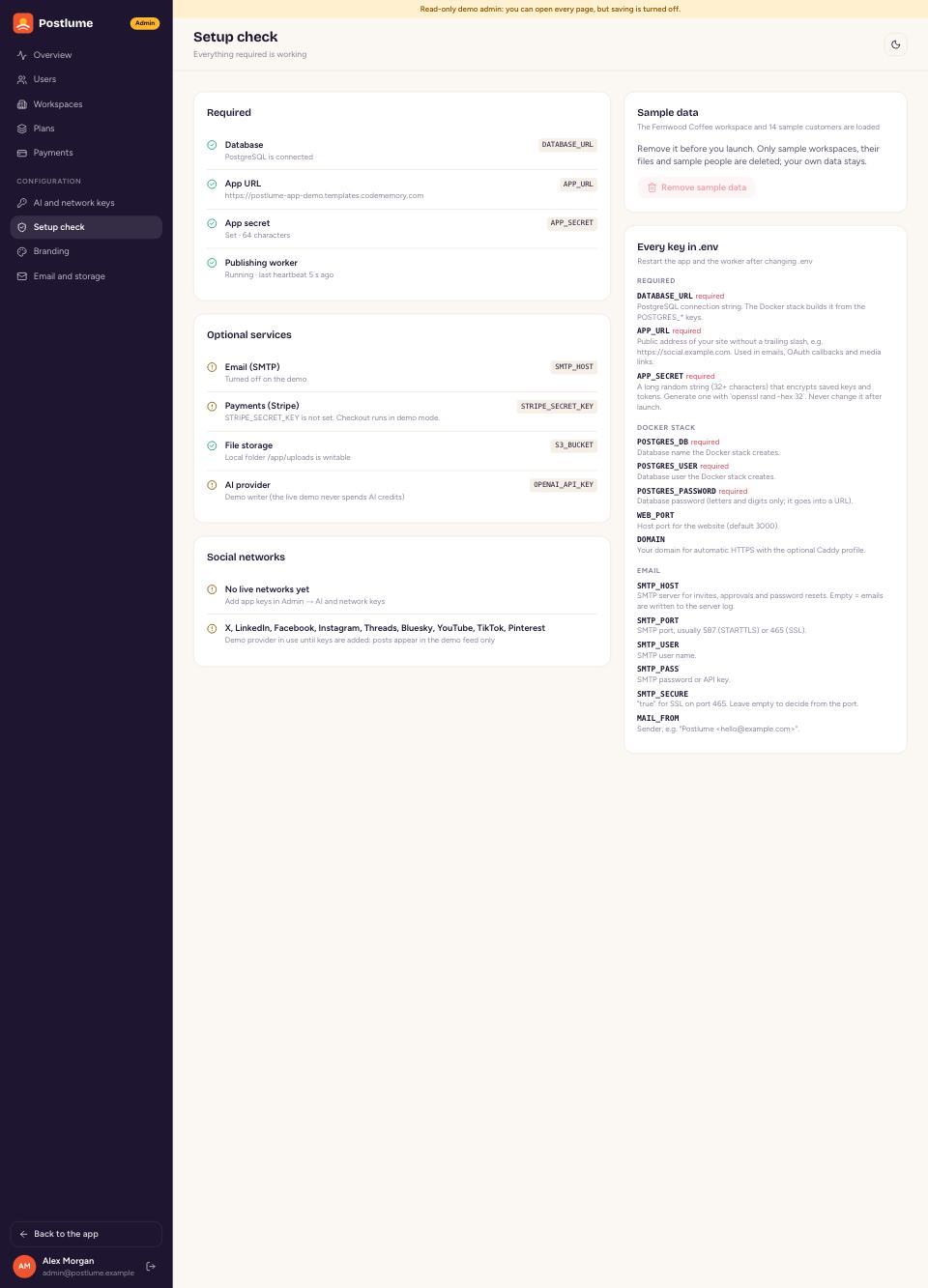
  • Setup check, AI and network keys, and rebranding from the admin
Open the admin panel →
Run it as a business
Live demo

Click any screen to open it live

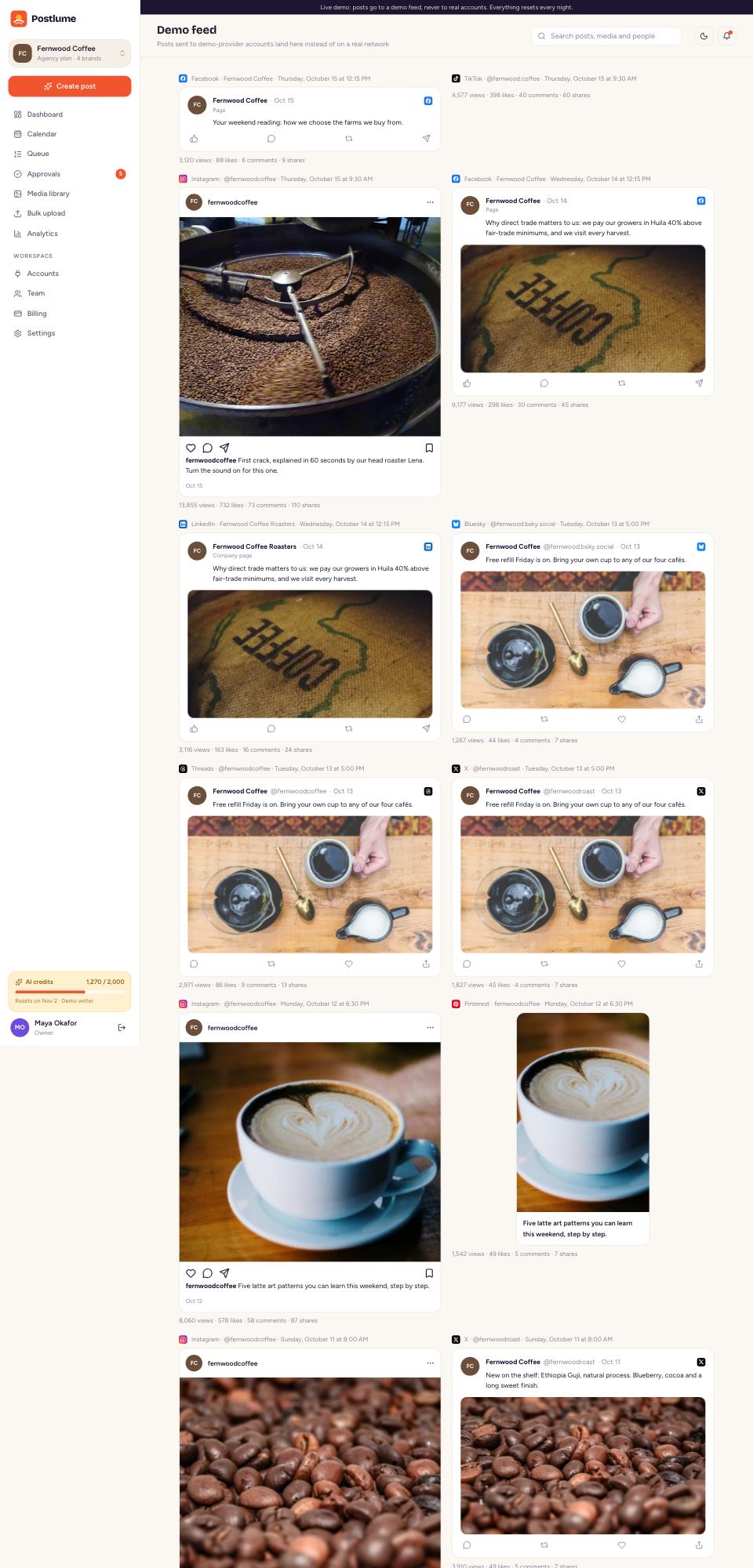
One click signs you in to the demo workspace. Nothing is ever sent to real social accounts.

One product

Every side of a social media SaaS

Open each one live. The admin demo is read-only.

The app

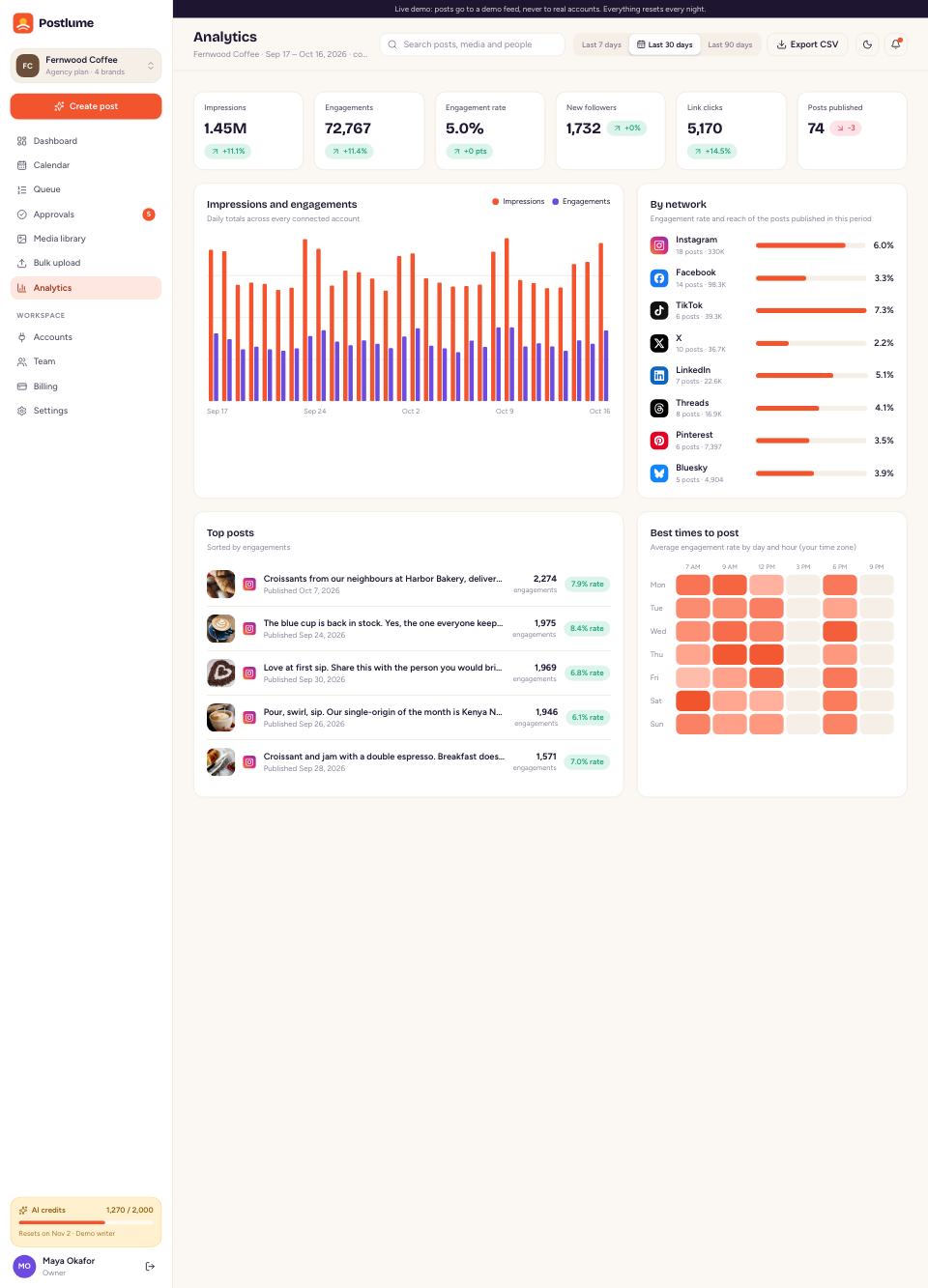
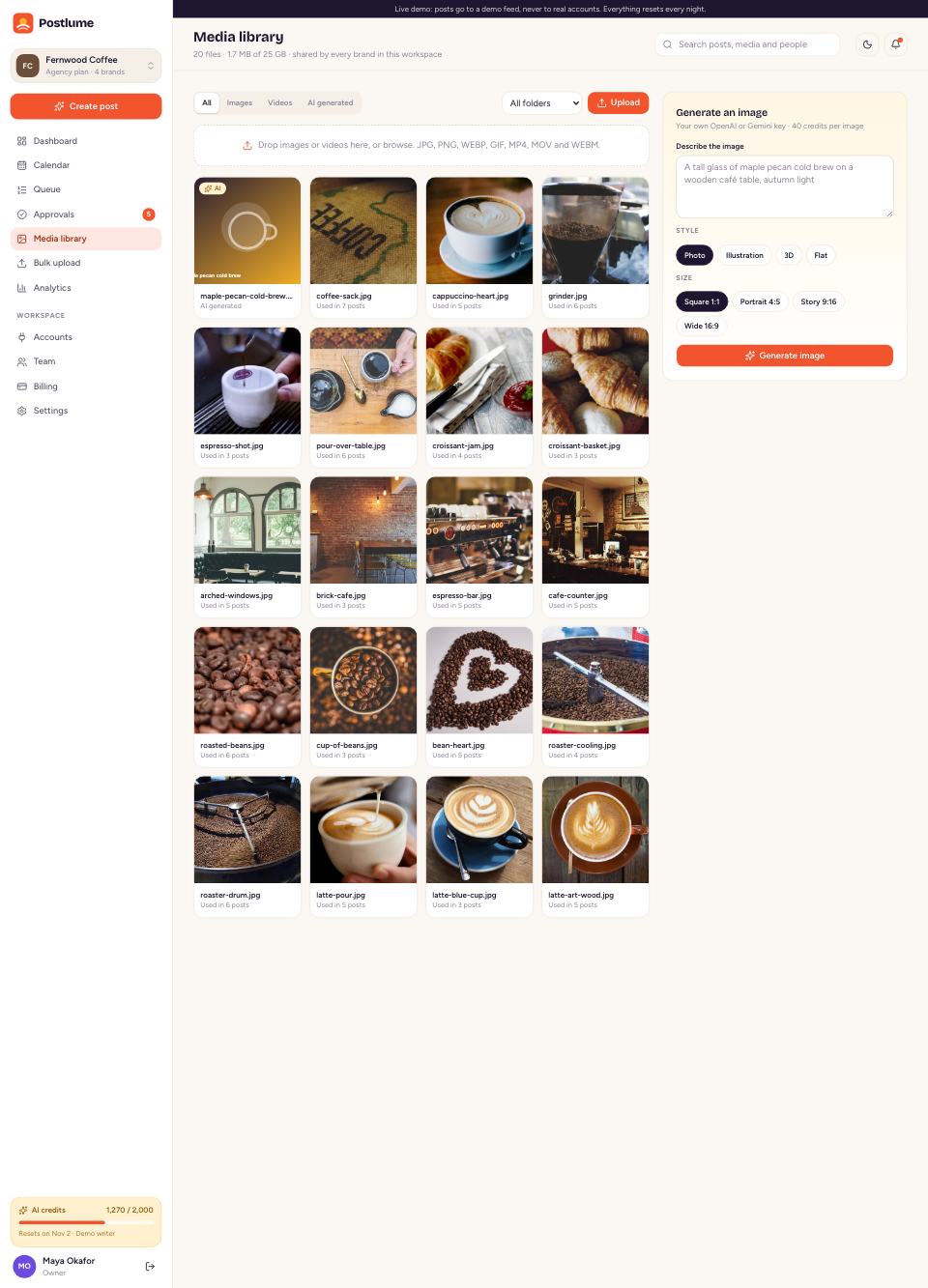
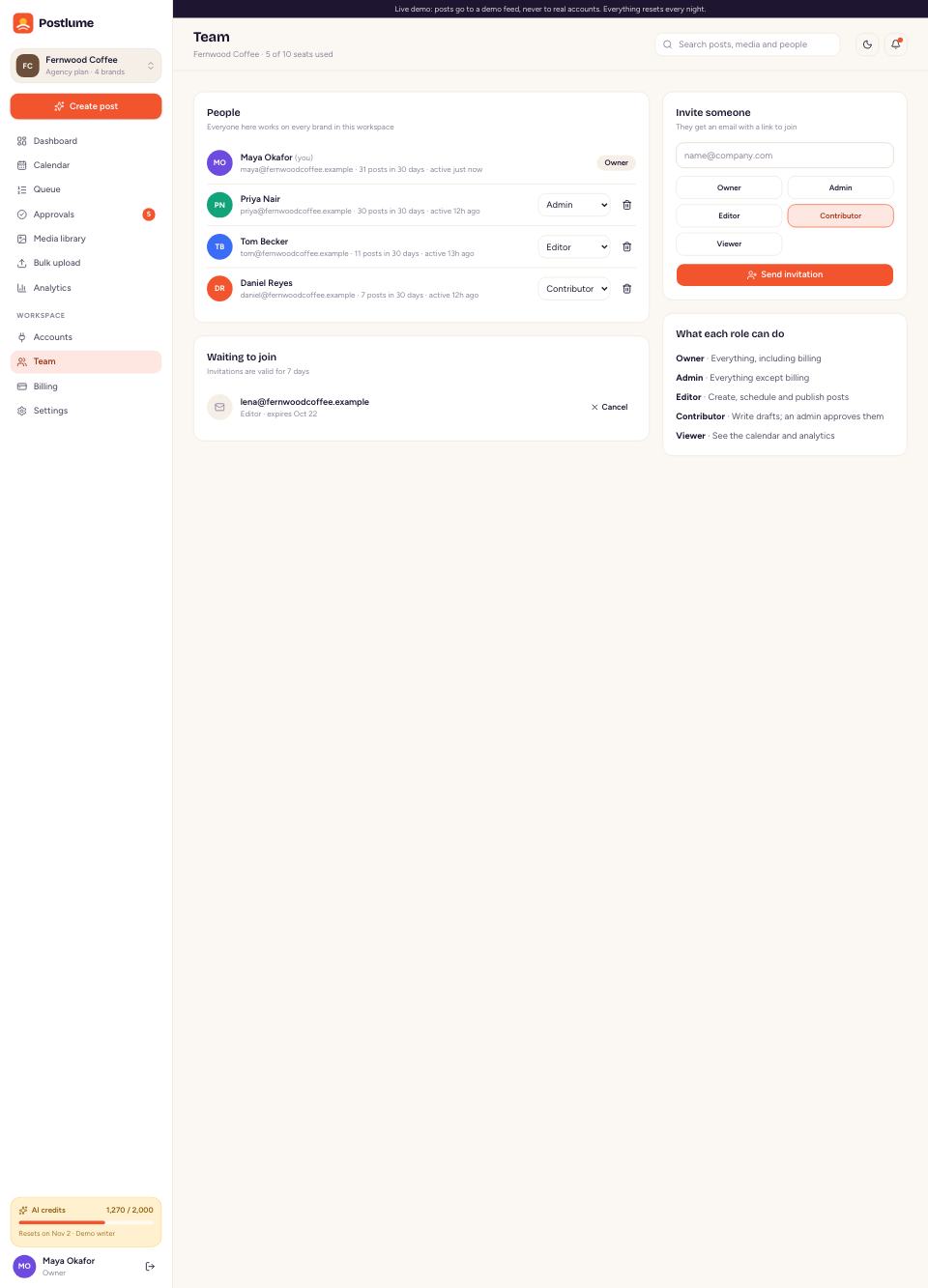
Dashboard, composer, calendar, queue, approvals, media, bulk upload, analytics, team and billing.

Live demo →

Contributor view

The same app as a contributor: posts go to approval instead of the queue.

Live demo →

Admin panel

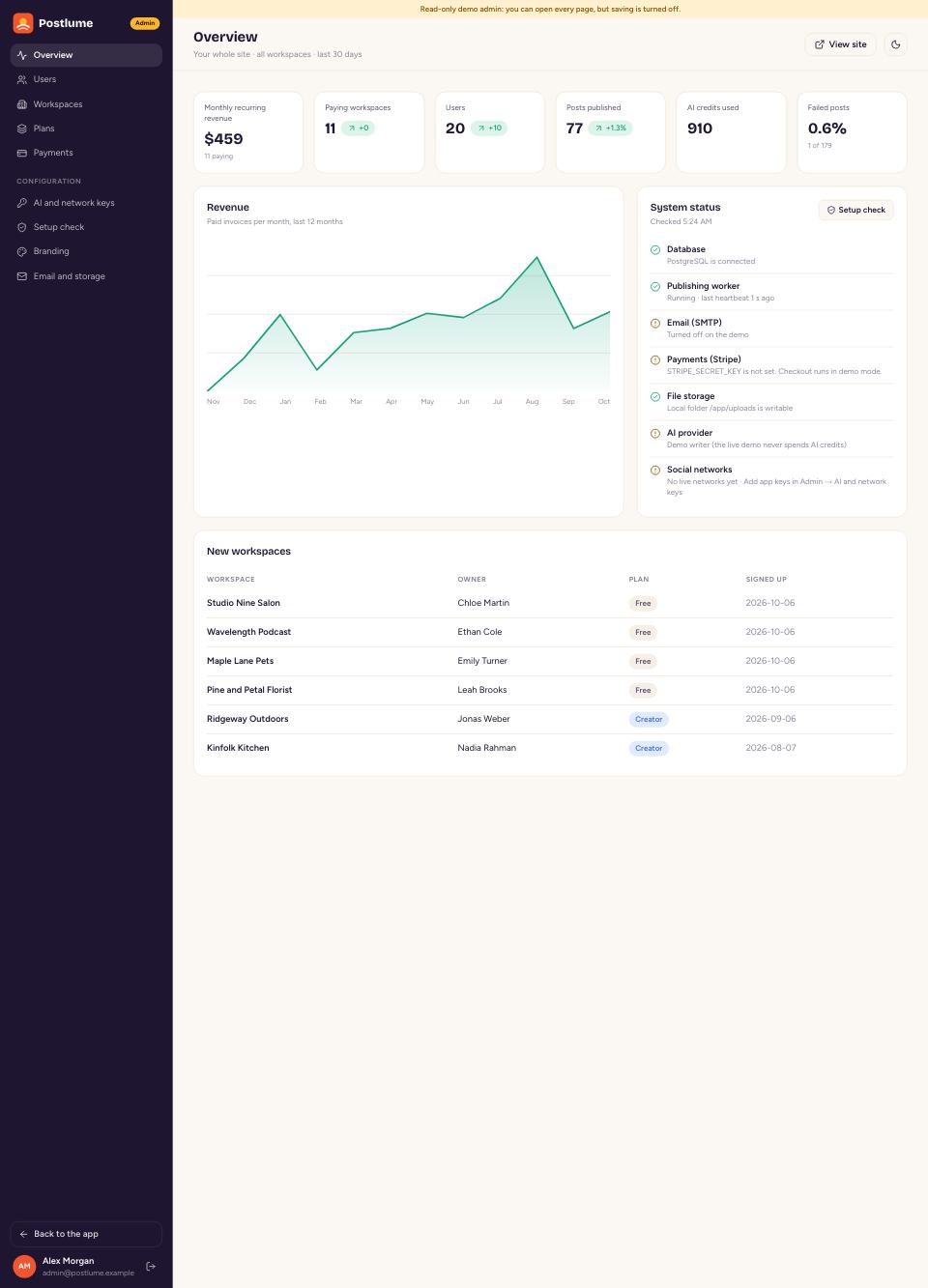
Revenue, users, workspaces, plans, payments, AI and network keys, setup check and branding.

Live demo →

Landing page

A sales page for your SaaS with live pricing from your plans. Switch it off in Branding.

Live demo →

Install wizard

Database check, admin account, site name and sample data in five steps.

In the download

Docker install

PostgreSQL, migrations, website and worker with one command, plus optional HTTPS.

In the download
More screens

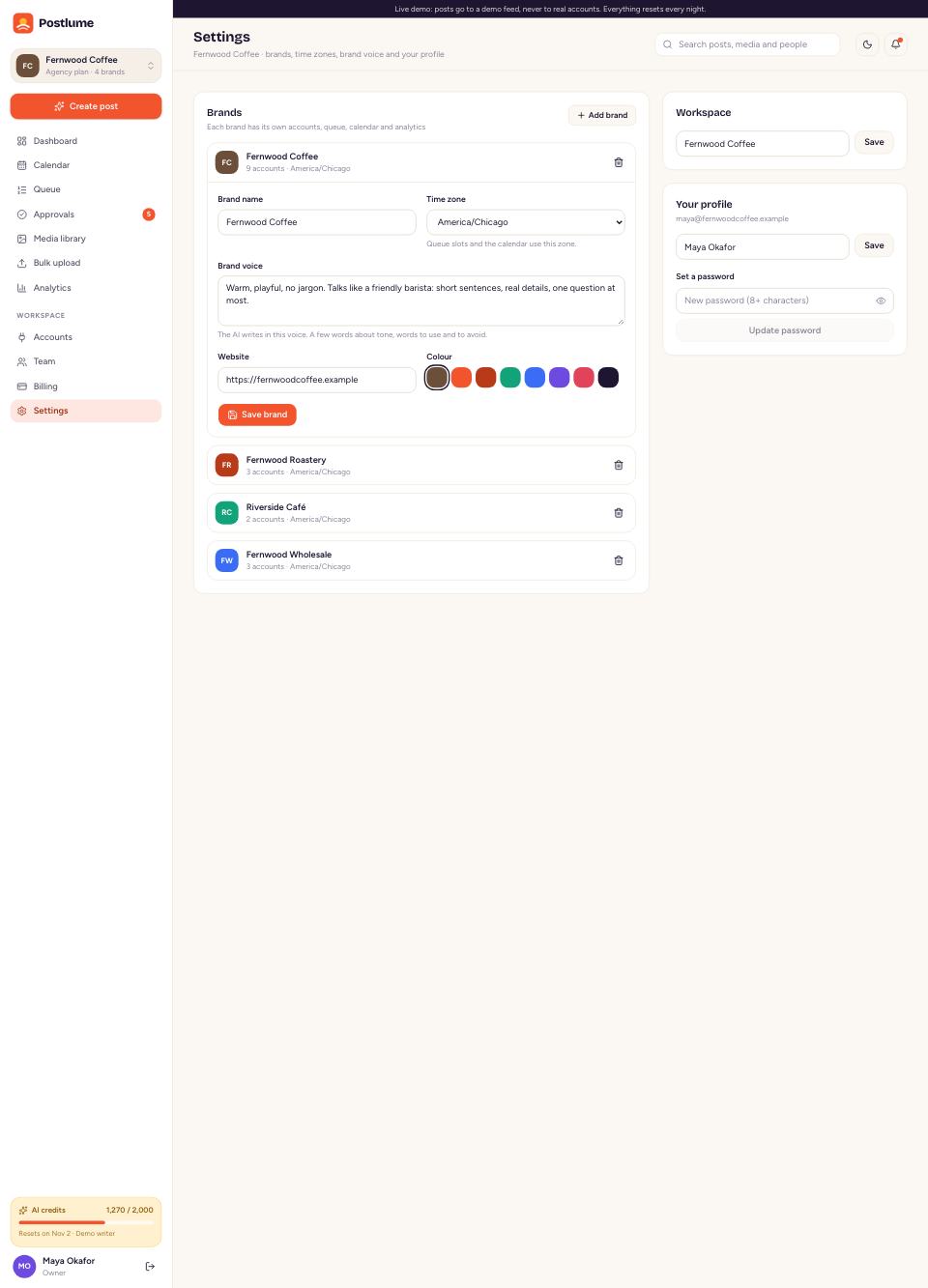
Settings, billing and admin, designed and filled

Hover to scroll, click to open it live.

Light and dark

Dark mode on every page

Light, dark or the system setting, remembered for each user. Drag the handle to compare.

Postlume in dark mode
Postlume in light mode
LightDark
Responsive

Works on every screen

The calendar turns into an agenda and every page fits a phone.

Postlume on a phone
Postlume on a phone
Postlume on a phone
Inside

Built to be easy to own

Works before any key

Every outside service has a working default: demo networks, a demo AI writer, a demo checkout and email to the log.

One adapter per network

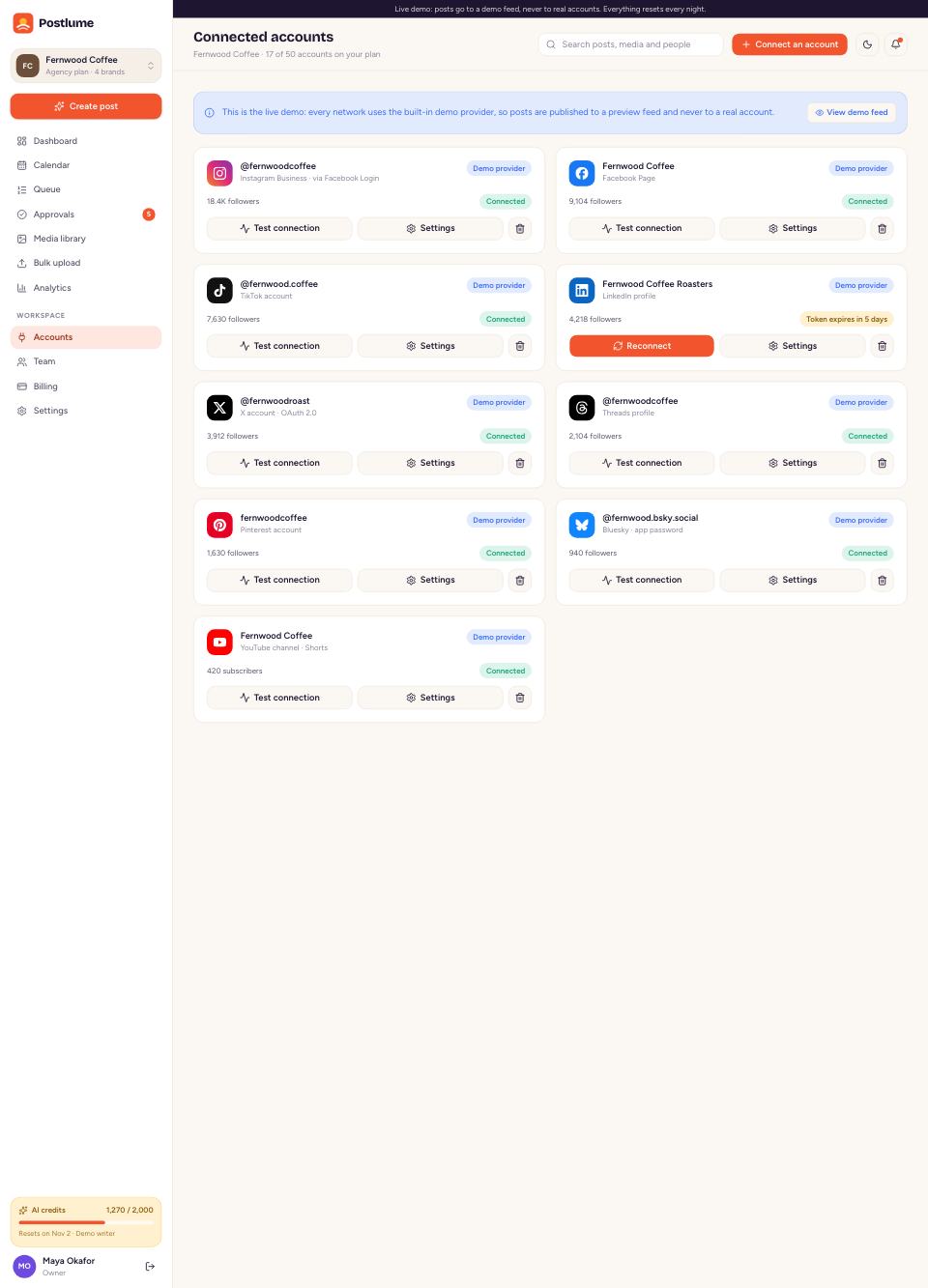
Real OAuth for nine networks as soon as you add each app's keys, with refresh, retries and clear errors.

Rebrand from the admin

Name, logo, brand colour, fonts and the landing page, without touching code.

Clean TypeScript

Next.js 16 App Router, Prisma 7, Tailwind CSS 4 and shadcn/ui, linted with Biome.

Tested

Vitest tests for scheduling, approvals, publishing, limits and bulk checks, plus Playwright smoke tests.

One-command install

docker compose up -d starts PostgreSQL, migrations, the website and the publishing worker.

Support

We've got you covered

Step-by-step docs

Install, every key, every network's app setup with its callback URL, and FAQ.

Friendly support

Questions and fixes from the people who built it, through the item's Support tab.

Requirements

Docker, or Node.js 22 and PostgreSQL 14+. Network, AI and payment providers bill you directly.

See it for yourself

One click, no sign-up. Posts on the demo go to a demo feed, never to real accounts.